Import contacts from Google Contacts
If you use Google Contacts to store and manage your donor contacts, you can easily upload this information to Destiny Fundraising Manager.
-
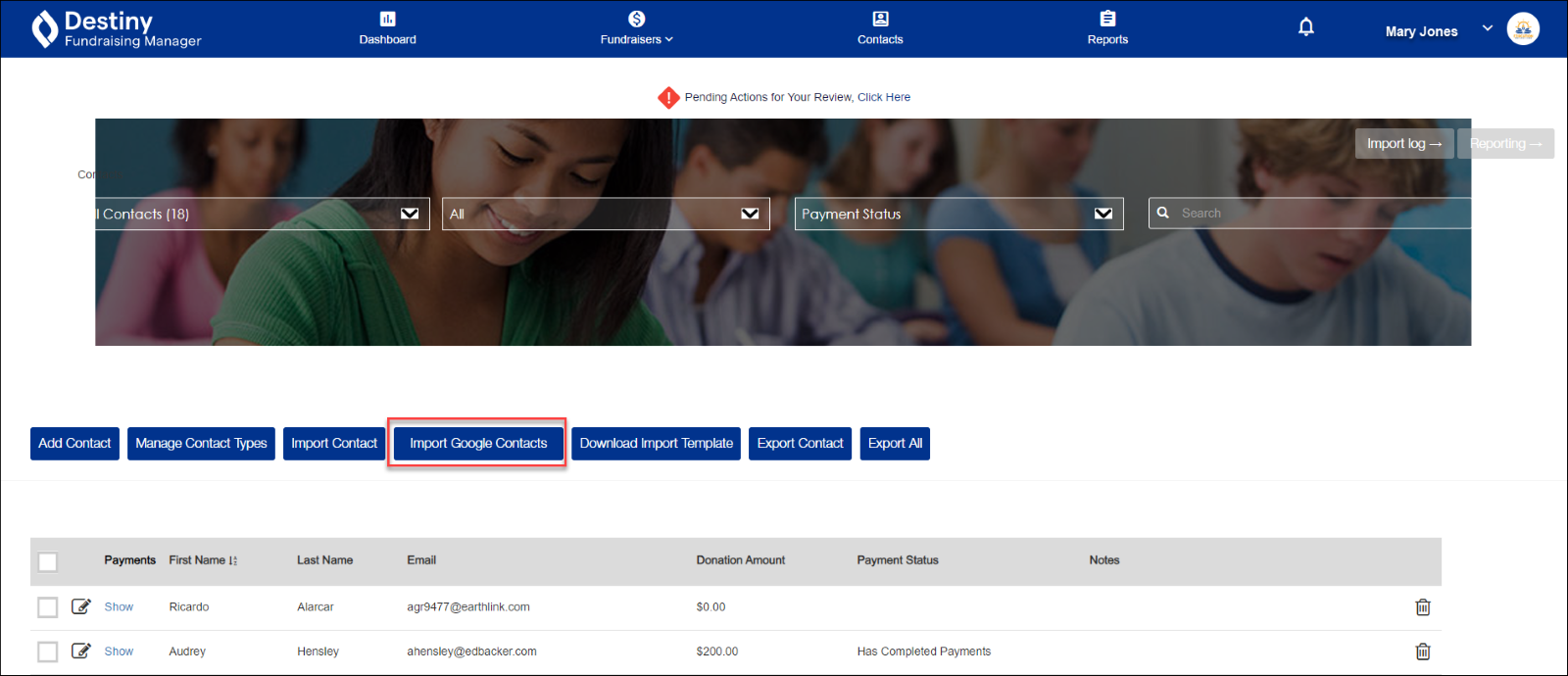
In the header, click Contacts. The Contacts page appears.
- Click Import Google Contacts.
-
Log in to your Google account. The system automatically imports contact information from your Google Contacts account to your Destiny Fundraising Manager Contacts page.
For additional help, contact techsupport@follettsoftware.com.